
Reviewed · NEW YORK CITY
Brooklyn Bridge Self-guided Bike Tour App – Audio + Written
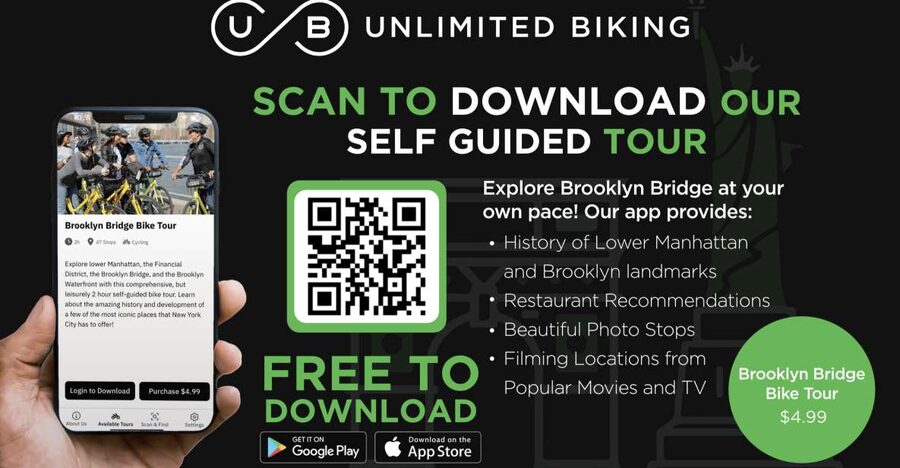
The best thing about this self-guided Brooklyn Bridge tour is the freedom. You choose the pace, the route, and even the mode of transport. Ride your own bike, rent one separately, or walk the route while the app points out history, film locations, photo spots, food, and bathrooms.
I like the audio and written explanations, since you can listen while stopped or read when the street noise gets too loud. I also like the practical map categories and the fact that one $5 purchase can cover your whole group. The catch is simple: the bicycle is not included, and you need a phone, location services, and a data plan for the app to work well.
Key points to know before you go
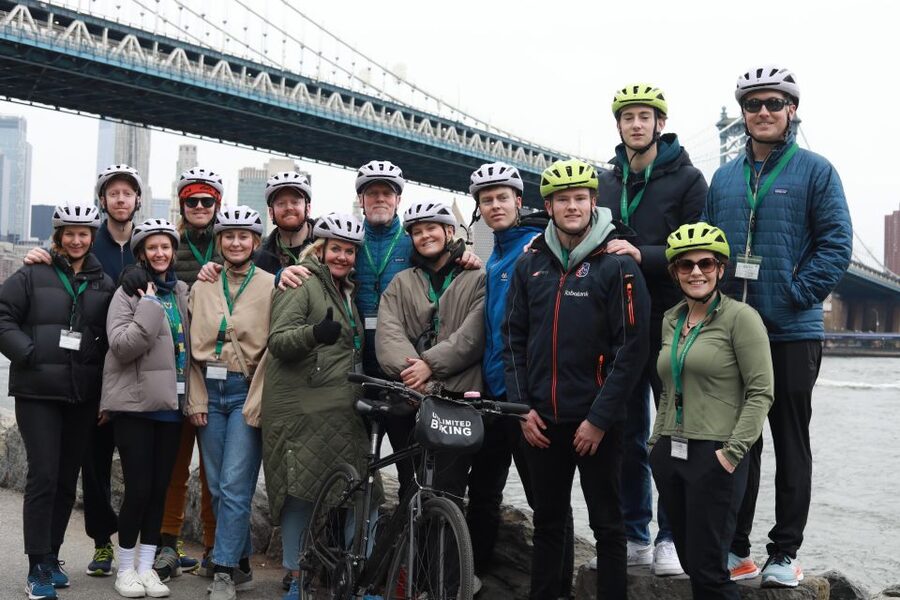
- One $5 code covers your group: Purchase for one person, then use the code on each group member’s phone.
- The tour lasts 365 days after activation: You can use it on a day that suits your schedule, but activation makes the purchase non-refundable.
- Choose bike or walking: Bring your own bike, rent separately, or start on foot near the Woolworth Building.
- Audio and written stops work together: Use the format that fits the traffic, noise, and your attention span.
- The color-coded map lets you customize the outing: Follow the main route or pick movie sites, photo stops, food, and restrooms.
- Bike gear costs extra: Bicycle rental, helmet, bag, and lock are not part of the $5 app purchase.
A flexible way to see the Brooklyn Bridge

The Brooklyn Bridge is easy to admire and surprisingly easy to misunderstand. You can walk across it, pedal across it, or hurry through it with the rest of the crowd. This app gives you a reason to slow down and connect the bridge with the two districts on either side: Lower Manhattan and Brooklyn.
The tour is not tied to a departure time or a group leader. That matters in New York, where a fixed schedule can become a chore after a delayed subway, a long lunch, or a child who suddenly needs a break. You can begin when you are ready and pause whenever the city catches your attention.
The route is built around geo-location services. Once you download the free Unlimited Biking Tour app, turn on your phone’s location services and use the map to find the stops. The app supplies a brief written explanation and an audio version for each main stop, along with fun facts.
You do not need to treat this like a lecture. Stop, listen, take a photo, and move on. If a particular location grabs you, stay longer. If a stop does not interest you, keep going.
More Self-Guided Audio Tours in the USA
- NYC: St. Patrick’s Cathedral Official Self-Guided Audio Tour
★ 3.5 · 45 reviews - New York City’s Financial District: A Self-Guided Audio Tour
★ 4.5 · 8 reviews - West Village’s Flappers, Freaks & Punks: A Self-Guided Audio Tour
★ 5.0 · 4 reviews
Starting at the Woolworth Building or 79 Chambers Street
If you already have bikes, or you plan to walk, the suggested starting point is the Woolworth Building. This gives you a clear Lower Manhattan beginning and lets you follow the route toward the bridge and Brooklyn.
The Woolworth Building is also a useful reference point for people who do not know Lower Manhattan well. You are not expected to find a tour guide holding a sign or gather with a group. You simply open the app and begin following the route.
If you need a bike, the app purchase does not provide one. A separate rental can be arranged through Unlimited Biking at 79 Chambers Street. You will also need to account for the items that come with any bike outing: helmet, lock, and bike bag are not included in the app experience.
That separation between app and rental is both good and bad. It keeps the price low for people who already have a bike or want to walk. It also means you must arrange the practical side yourself. Do not arrive expecting a bicycle to be waiting because you bought the tour.
What the main route gives you
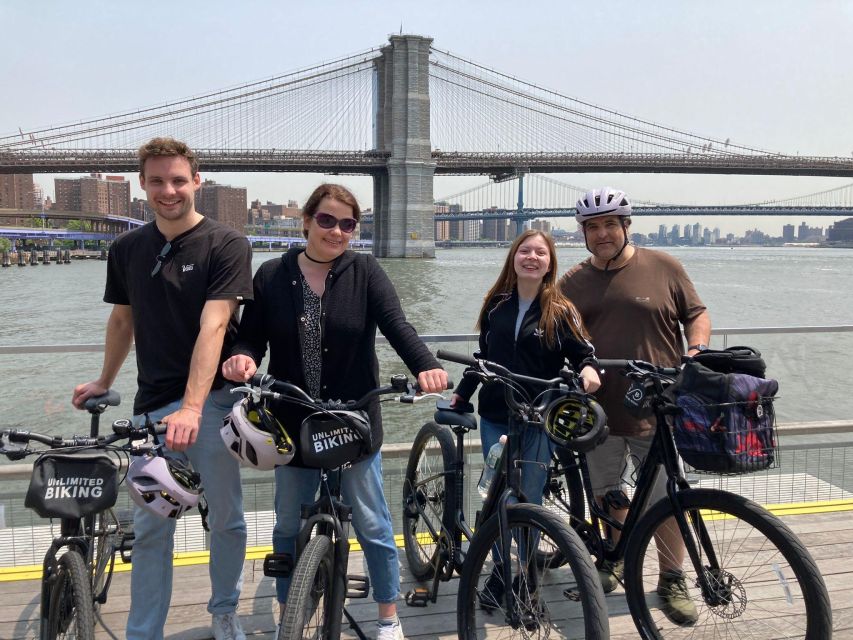
The primary route covers notable locations in Lower Manhattan and Brooklyn. At each stop, you get a short history and fun facts in both audio and written form.
I like this setup for a first visit because you can choose how much information you want. Read the stop if you are standing still. Listen if you prefer to keep your eyes on the street. The written option is especially useful when traffic, wind, or nearby crowds make audio hard to follow.
The information is presented in small pieces rather than one long tour talk. That makes the route easier to fit around a meal, a photo break, or a detour. You can also revisit the material later during the 365-day validity period.
The app is not a substitute for a live guide who can answer questions or adjust the route in real time. You will not get personal stories, group energy, or a guide pointing out something unexpected. In exchange, you get privacy and control.
For many people, that is the main value. You can spend five minutes at one stop or much longer. You can skip a stop without feeling guilty. You can also repeat the route on another day if you activate the app early enough and still remain within its validity period.
Crossing the bridge by bike or on foot
The Brooklyn Bridge portion is the heart of the outing. You can experience it by bike or on foot, but the practical feel changes a lot between the two.
A bike gives you more range and makes it easier to continue into Brooklyn after crossing. You will need to manage the bike, watch the route, and carry or secure your gear. The bridge area can also require patience, especially when many people are stopping for pictures.
Walking is slower, but it can make the bridge itself easier to appreciate. You can pause for photos, read the stop information, and take in the views without thinking about where to park a bicycle. If you prefer a relaxed city walk, you do not need to rent anything.
The app supports both choices, but it does not remove the need for common sense. Keep your phone charged, use location services, and stay aware of the people around you. A GPS map is helpful, but it should not replace attention to signs, traffic, or other bridge users.
More Self-Guided Audio Tours in New York City
- New York’s Iconic Central Park: A Self-Guided Audio Tour
★ 4.0 · 4 reviews - New York City’s High Line: A Self-Guided Audio Tour
★ 5.0 · 4 reviews - Boho Greenwich Village: A Self-Guided Audio Tour
★ 5.0 · 3 reviews - The Battery: A Self-Guided Audio Tour from Bowling Green Park to Stone St
★ 5.0 · 3 reviews
Brooklyn stops beyond the bridge
The route continues into Brooklyn, where the app points you toward additional notable locations. The supplied information does not name every stop, so you should think of this as a guided route through selected sights rather than a fixed list of famous landmarks.
That flexibility is useful. You can follow the main path or use the colored map to choose the parts that fit your interests. A history-minded visitor can stick with the primary route. Someone looking for pictures can select the photo locations. A film fan can seek out television and movie sites.
The Brooklyn portion is also where a bicycle can offer the most value. You are not limited to the bridge crossing itself. You can cover more ground, stop for food, and shape the outing around your own energy level.
If you are walking, plan for a slower day. The app does not promise a short loop, and the total amount of time will depend on how many stops you choose. That is not a flaw, but it is worth remembering when you have evening plans.
Movie locations and photo stops
The app includes locations connected with television and movies. You can see where scenes featuring well-known stars were filmed, giving familiar streets a bit of extra meaning.
These stops work best if you enjoy matching real places with scenes you have seen on screen. They are not a replacement for a film tour with production stories or behind-the-scenes detail. Still, the feature adds a playful layer to an already scenic route.
The photo stops are more universally useful. The app marks places chosen for beauty and picture appeal, so you do not have to rely only on the most obvious bridge viewpoint. You can take a picture, share it on social media if you wish, and continue.
I would use the photo category as a loose guide, not a checklist. New York changes quickly, and the best image may come from an unplanned pause. The app helps you find appealing places, but your own timing and patience will matter just as much.
Food stops and public restrooms
Here is where this app becomes more practical than a basic history walk. It includes food recommendations along the route and marks public restroom locations.
That may sound like a minor detail until you are several miles into a bike ride or walking in a part of the city you do not know. A bathroom marker can save time and avoid the awkward search for a business that will let you use its facilities. Food suggestions can also help you plan a natural break rather than stopping at the first place you see.
The app does not say that meals are included, so budget separately for food. The recommendations are also suggestions, not reservations or guarantees. Check the route and current conditions before building your whole day around one location.
A useful approach is to look at food and restroom markers before setting out. Then you can make sensible stopping points instead of interrupting the route every time someone needs a break.
How the color-coded map changes the experience
The color-coded map is one of the most helpful parts of the design. It lets you separate the main historical route from movie locations, photo stops, food recommendations, and restrooms.
That choice matters because not everyone wants the same Brooklyn Bridge day. You might be visiting for the classic sights and want the shortest useful route. Your companion might care more about film locations. A family may care most about bathrooms and food. With the map, you can build one outing that works for all of you.
You can also change your plan as you go. If the weather turns poor, focus on fewer stops. If you have extra time, add film or photo locations. If you are tired, use the app to find a break instead of abandoning the entire outing.
The app is available for Android and iPhone. It is free to download, but the in-app tour purchase is normally separate. The code supplied with this activity waives that additional purchase.
What $5 really gets you
At $5 per person, the price is low for a New York activity, but the group-use rule makes it even better. One customer can purchase the product and share the code with everyone in the group on their own phones.
That makes the value strongest for families and friends who already have bikes or plan to walk. You are paying for the route content and app access, not transportation, equipment, or a personal guide.
The value is weaker if you expect a complete bike tour package. You must arrange the bicycle separately, and you need to bring or rent the helmet, bag, and lock. Once those costs are added, compare the total with a conventional guided bike tour.
Still, the 365-day validity gives the app unusual flexibility. It is valid for 365 days from first activation, not simply for one scheduled departure. You might use it during a first visit, then return to the route later. Remember that the purchase is non-refundable because the app can be activated before the booked date.
Phone, data, and accessibility details
You need a working Android or iPhone, location services, and a data plan is recommended. Download the app before you head out, enter the code, and make sure you understand the map before reaching the bridge.
Battery life matters. GPS use and audio can drain a phone, so start with a good charge. The supplied information does not promise offline operation, so I would not count on using the tour without mobile data.
The activity is wheelchair accessible. The route itself includes outdoor city streets and bridge areas, so you should still consider your own comfort with the route and conditions. The information provided does not specify a detailed step-free route for every stop.
Who will enjoy this most
This is a good fit for independent first-time visitors who want structure without a guide. You get enough direction to avoid wandering blindly, but you remain free to set the pace.
It also suits couples, families, and friends with different interests. One person can focus on history, another on movie sites, and another on finding food or a restroom. The shared code keeps the cost down for a group.
Choose something else if you want a guide who handles navigation, provides live commentary, supplies bikes, or keeps everyone moving on a fixed schedule. This experience puts more responsibility on you, but that is exactly why it works for people who dislike rigid tours.
Should you book the Brooklyn Bridge app?
Book it if you already have bikes, prefer walking, or want a low-cost way to organize a flexible day around the bridge and Lower Manhattan. The combination of audio, written stops, photo sites, movie locations, food suggestions, and restrooms gives you more than a simple map.
Skip it if you need bicycle rental and equipment included in one price, or if you want personal guidance from a live expert. For everyone else, the $5 group-friendly code and 365-day validity make this a practical add-on to a New York visit, especially when you want to explore at your own speed.
FAQ
Is a bicycle included with the Brooklyn Bridge self-guided tour?
No. The activity includes access to the self-guided tour in the Unlimited Biking Tour app, but not a bicycle, helmet, bike bag, or bike lock.
Where can I start the route?
You can begin near the Woolworth Building if you are walking or using your own bike. If you want to rent a bike, rentals can be purchased separately, with Unlimited Biking located at 79 Chambers Street.
Can the tour be used by a whole group?
Yes. One purchased code can be used by all members of your group on their own phones. You only need to purchase for one customer.
How long is the app valid?
The app is valid for 365 days from the time you first activate it.
Does the app work on Android and iPhone?
Yes. The app is available for both Android and iPhone users. It requires location services, and a data plan is recommended.
Is the activity refundable or wheelchair accessible?
The activity is wheelchair accessible, but it is non-refundable. The purchase can be activated before the booked date, which is why refunds are not offered.
More bike tours in New York City
- Self-Guided GPS Audio E-Bike Tour Hawaii Volcanoes National Park
★ 4.5 · 131 reviews - Florence: 2.5 hour Audio Guided Bike Tour led by Tour Leader
★ 4.7 · 36 reviews - Sydney: Electric Bike Rental & Wheel Explorer Audio Guide
★ 4.9 · 19 reviews - Hawaii: Volcanoes National Park E-Bike Rental and GPS Audio
★ 4.8 · 16 reviews
Latest audio tours in New York City
- Boho Greenwich Village: A Self-Guided Audio Tour★ 5.0 · 3 reviews
- The Battery: A Self-Guided Audio Tour from Bowling Green Park to Stone St★ 5.0 · 3 reviews
- West Village’s Flappers, Freaks & Punks: A Self-Guided Audio Tour★ 5.0 · 4 reviews
- Self-Guided Audio Tour of New York City★ 4.5 · 2 reviews
- New York’s Iconic Central Park: A Self-Guided Audio Tour★ 4.0 · 4 reviews
- New York City’s Financial District: A Self-Guided Audio Tour★ 4.5 · 8 reviews
- Broadway: A Self-Guided Audio Tour of the World’s Iconic Theatre District★ 4.5 · 3 reviews
- Guided Tour (with Audio) Hamilton Musical in Lower Manhattan NYC★ 5.0 · 11 reviews
Self-Guided Audio Tours, compared.

Acropolis Ticket & Optional Self-Guided Audio Tours
Read our review →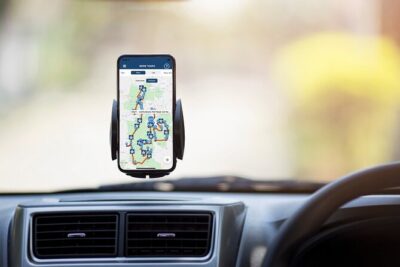


Ultimate Acadia National Park Self-Guided Driving Audio Tour
Read our review →


Akrotiri Ticket with Optional Self-Guided Audios
Read our review →
Browse the lists this tour appears in